
Secure streaming with RTMPS on TeleLive
RTMP vs RTMPS, TeleLive’s encrypted ingest URL, and how to set OBS for a TLS connection without breaking your stream.
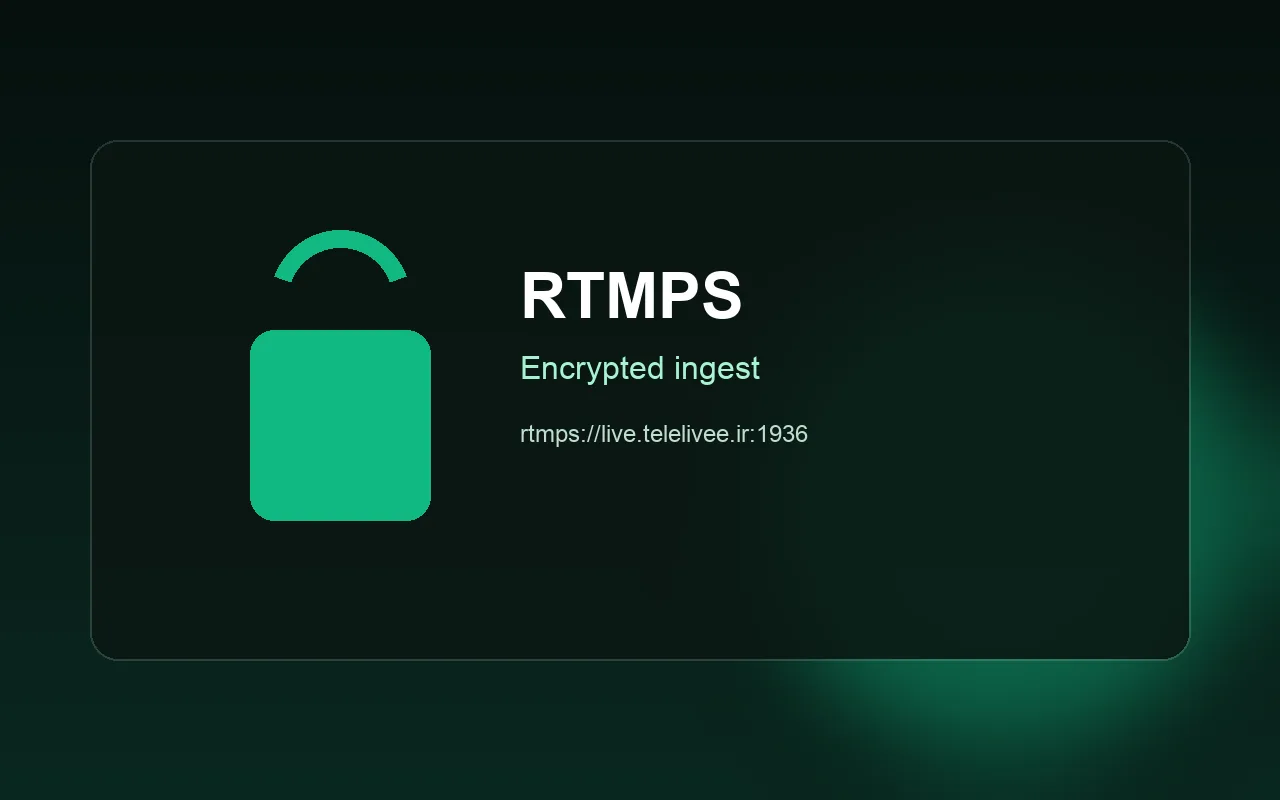
Your stream key is basically the password to your channel. If it travels in the clear, someone who can see the traffic could reuse it. That’s why TeleLive supports RTMPS alongside plain RTMP.
RTMP vs RTMPS
Both are the same OBS publish protocol. RTMPS wraps the connection in TLS, so the path from OBS to TeleLive’s ingest is encrypted. Viewer quality and chat stay the same.
What to paste in OBS
- Recommended:
rtmps://live.telelivee.ir:1936/live - Fallback:
rtmp://live.telelivee.ir/live
The stream key is the same for both and comes from your dashboard. Set Service to Custom.
If RTMPS won’t connect
- Copy the URL exactly — port
1936must be in it. - Some firewalls or antivirus tools block non-1935 ports; try plain RTMP temporarily.
- Fully quit OBS, reopen it, then Start Streaming again.
Both endpoints stay live on our side. You don’t have to shut RTMP off; just prefer RTMPS.
After you’re connected
Use the bitrates in the OBS guide. New streamers should start with how to go live.
More guides
 Start streaming on TeleLive: from sign-up to your first stream
 OBS settings for streaming on TeleLive
 How to support your favorite streamer on TeleLive
 Make a clip from a live stream and share it
 TeleLive, Twitch or Kick?
 How to find and watch streams on TeleLive
 TeleLive apps for Android, TV and desktop